
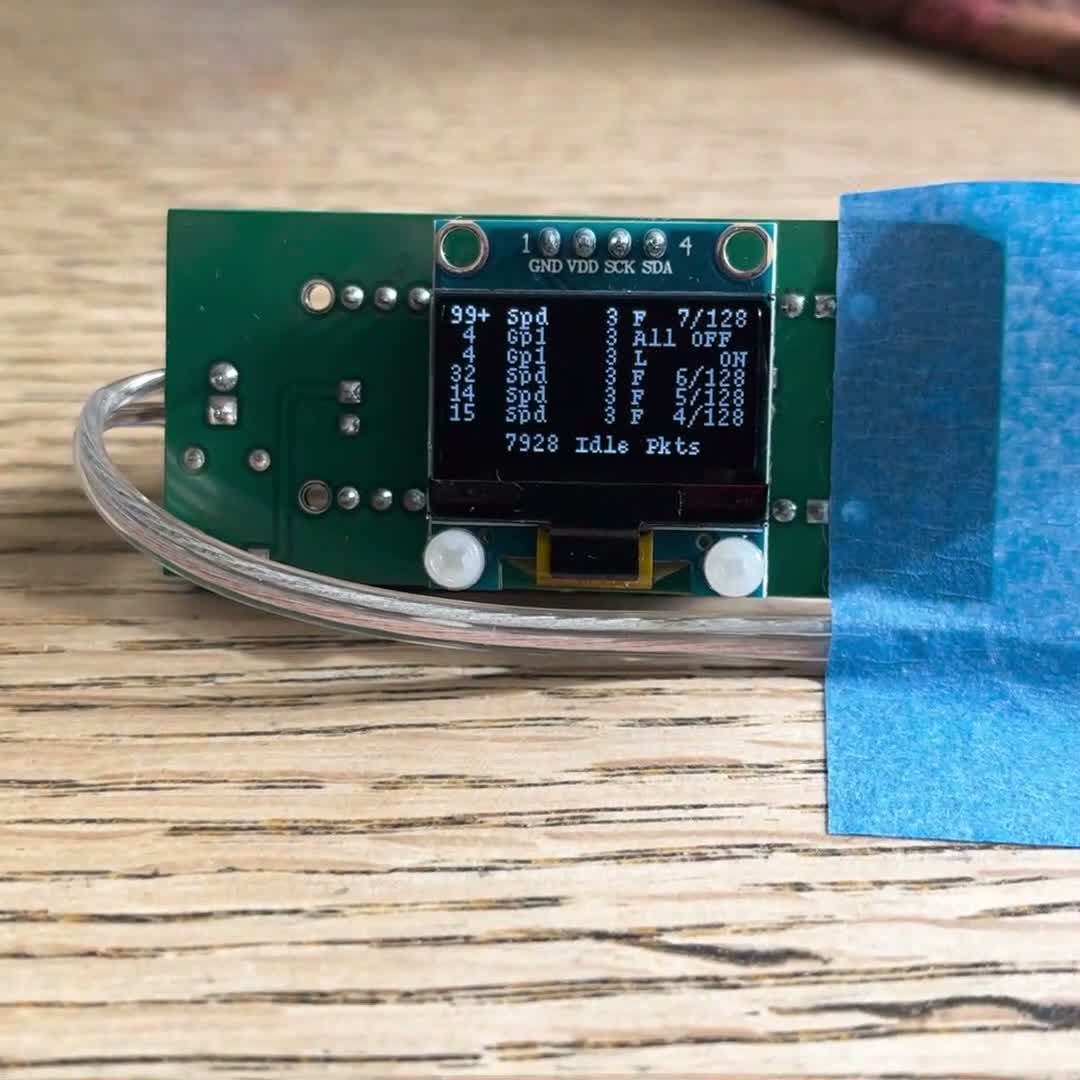
The DCC Command Station tries to program a CV on the Program Track, but there is NO TRAIN - so it fails
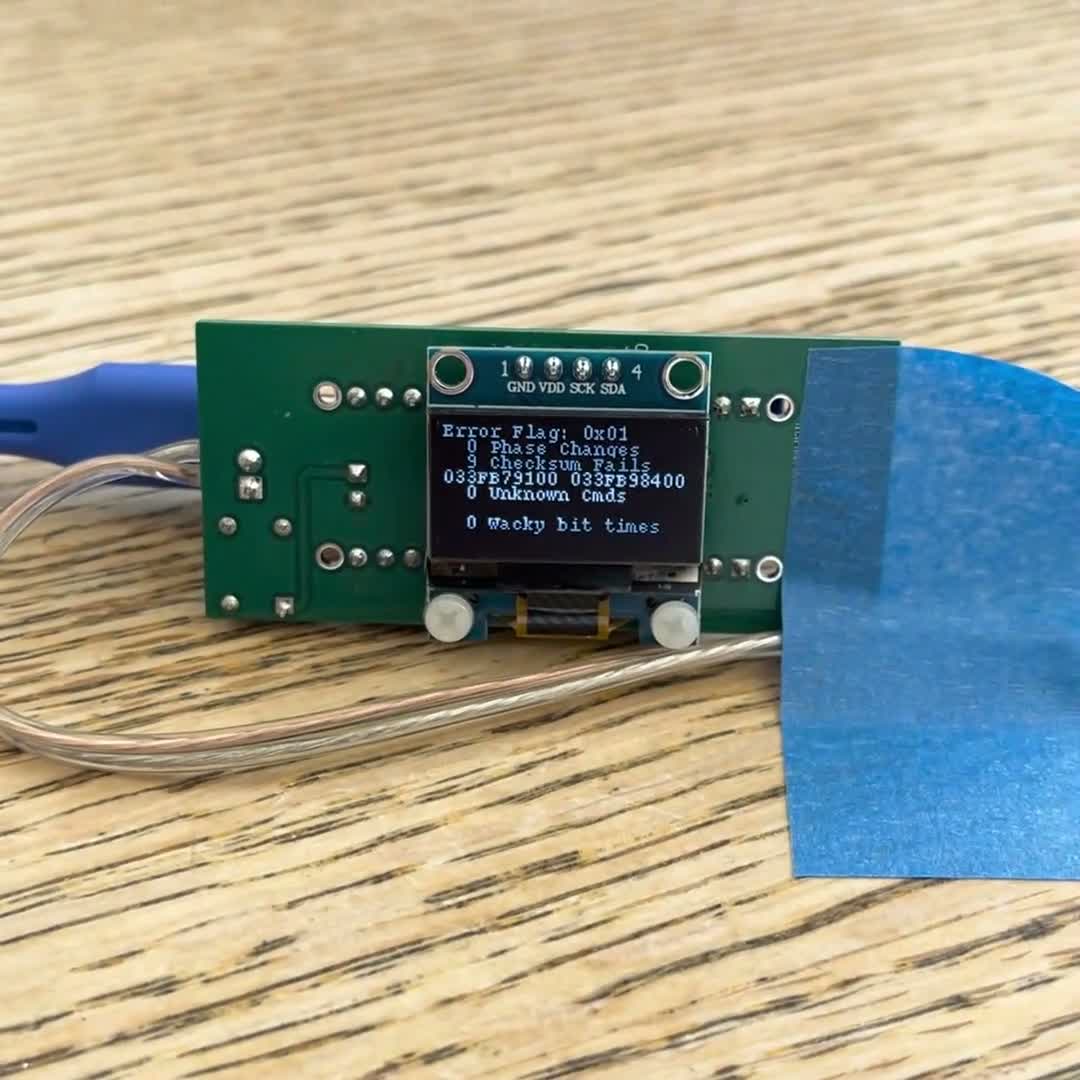
This video shows the DCC Monitor receiving and displaying a large variety of speed commands. It happens the Command Station generating these DCC commands randomly generates a command with a bad checksum (this has been verified). Frequently interrupting the display of incoming commands to report errors can be annoying, so a heuristic algorithm decides to stop showing errors.
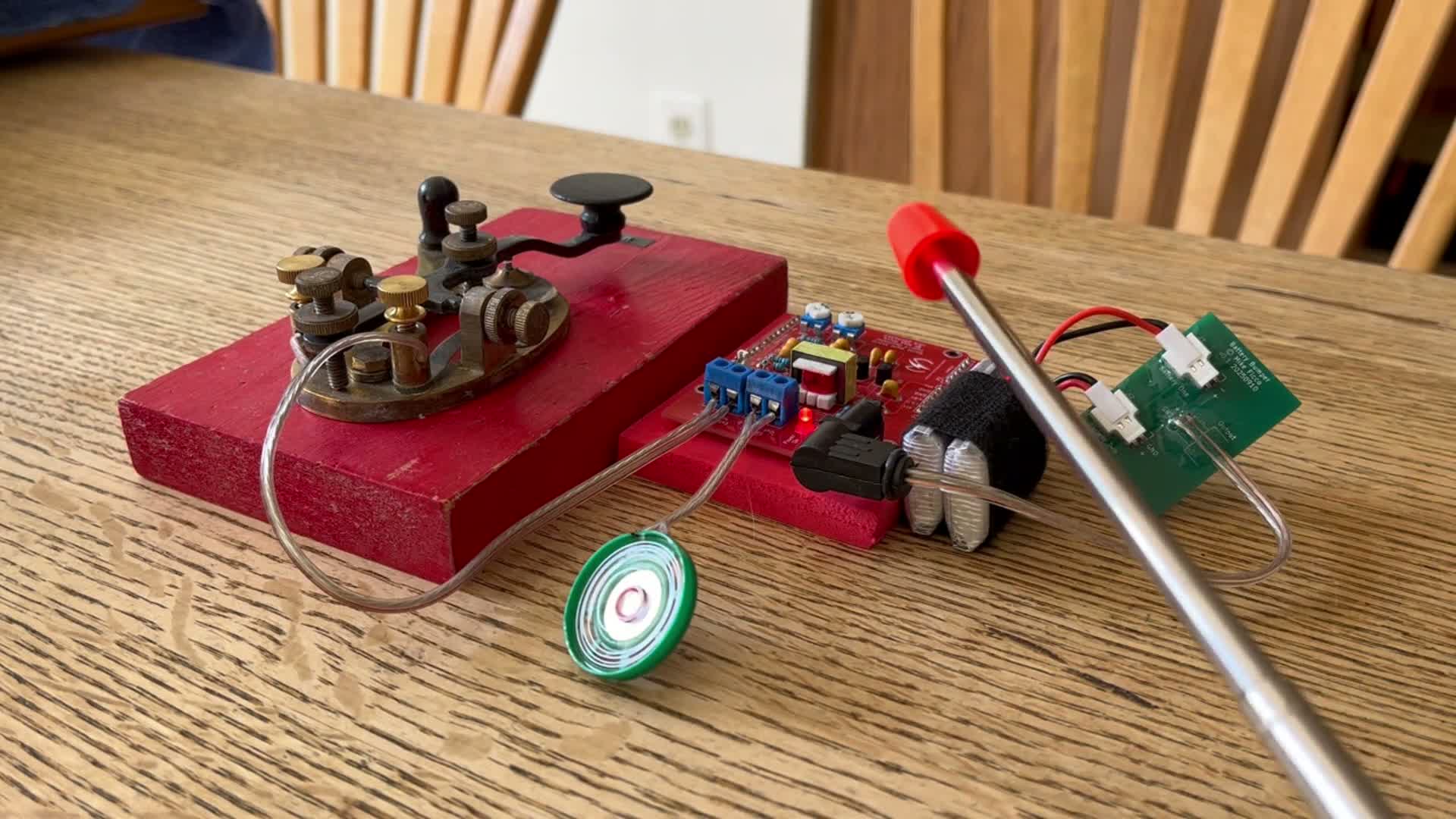
Short video showing the (battery powered) usage of the Twin-T Oscillator. No Arduino is used in this video. It shows stand-alone practicing of Morse Code.
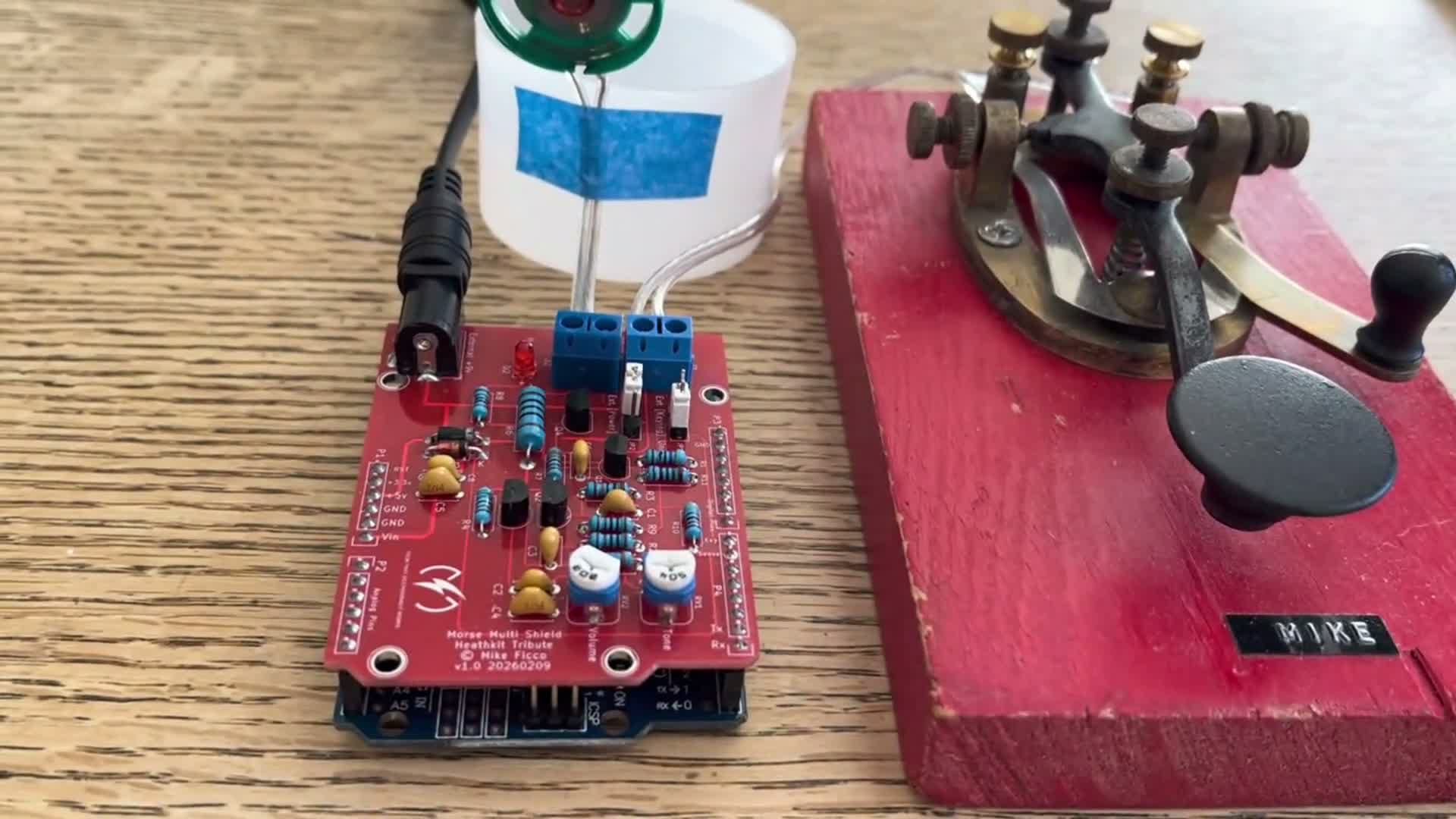
The Arduino Uno Sketch for the Morse Code Practice Oscillators stores several hard coded messages. Here is how to select one when no Serial Monitor is connected.
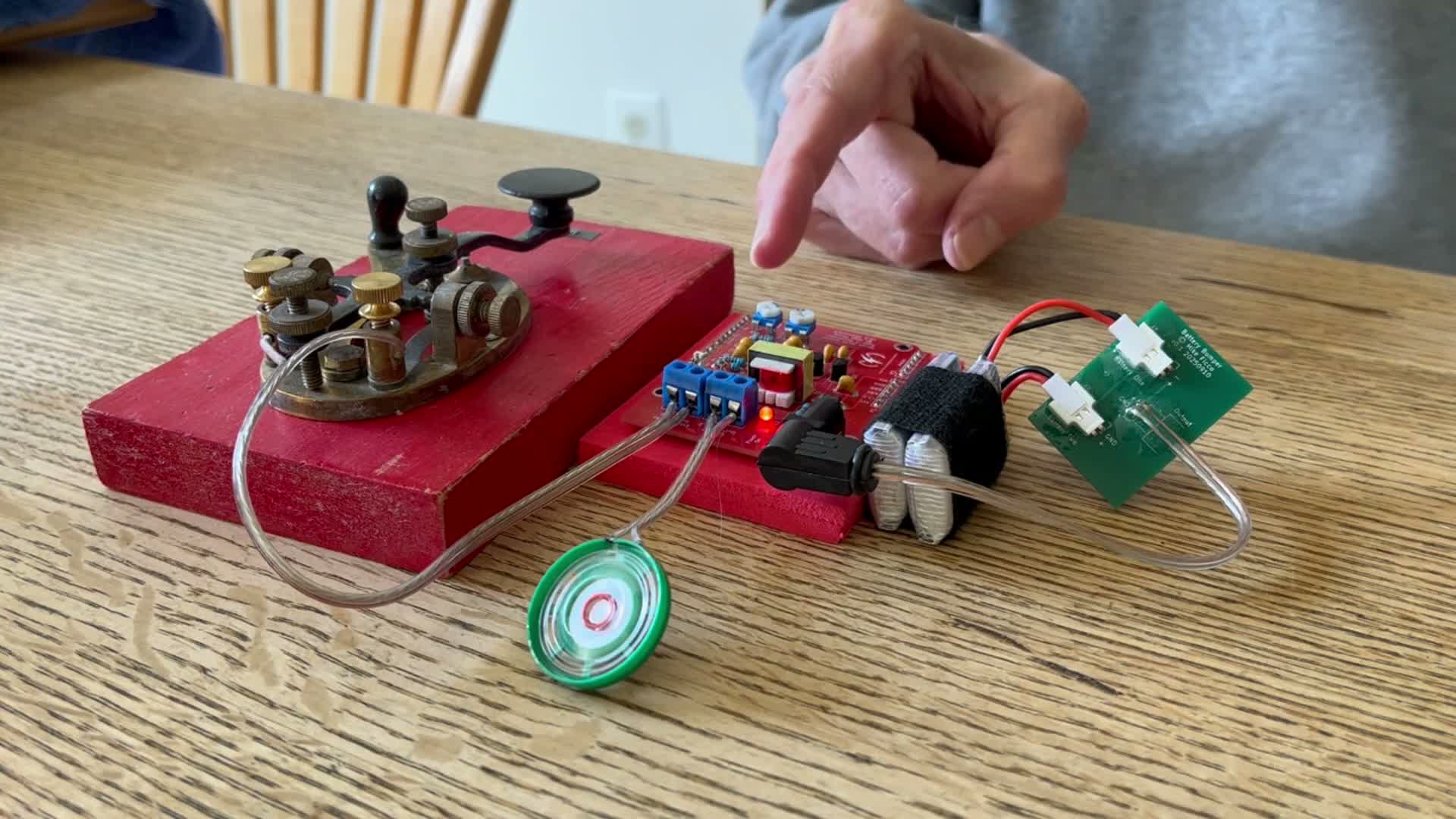
Short video showing the (battery powered) Twin-T code practice oscillator sending Morse Code. No Arduino is used in this video. It shows stand-alone practicing of Morse Code.
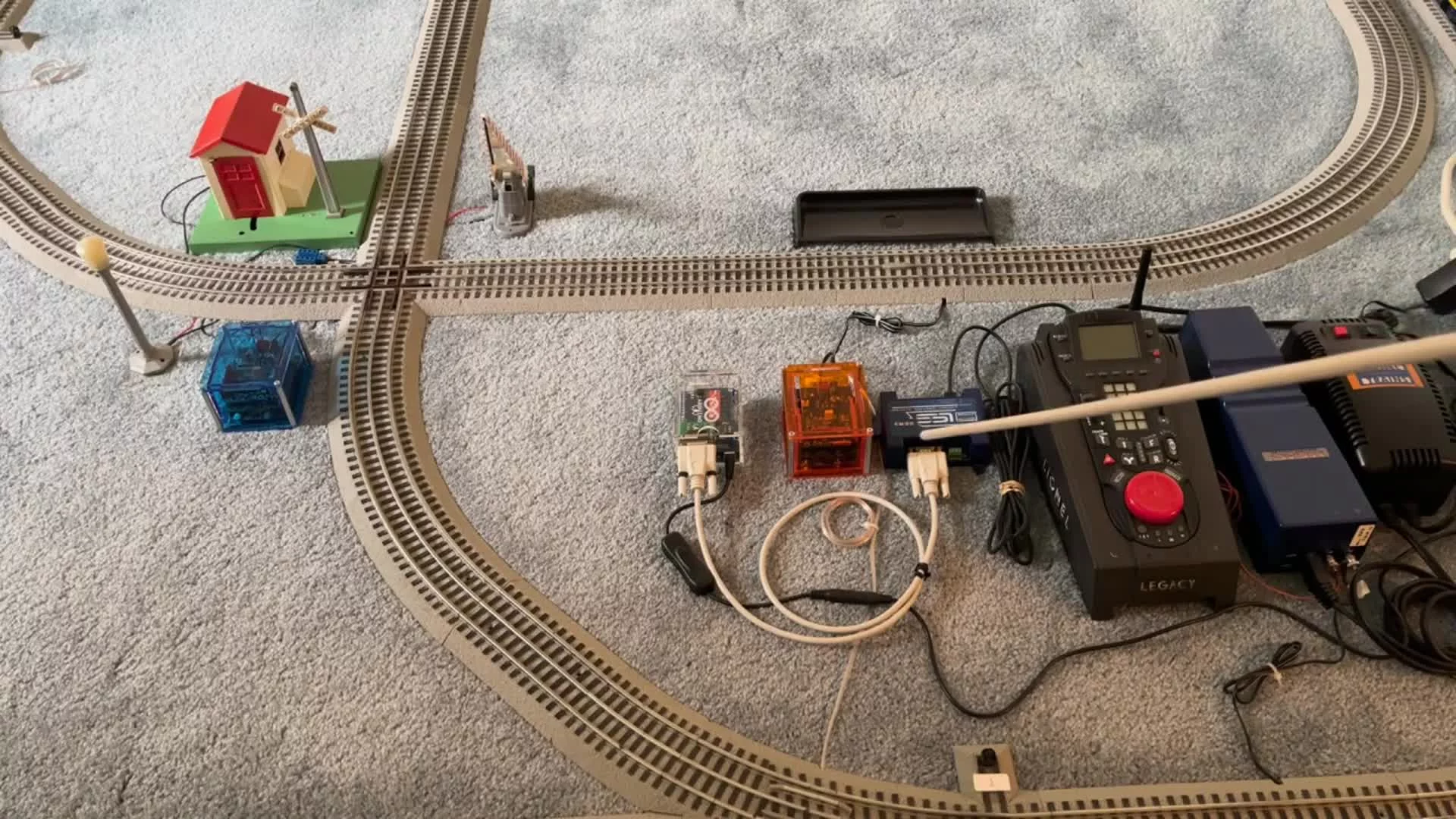
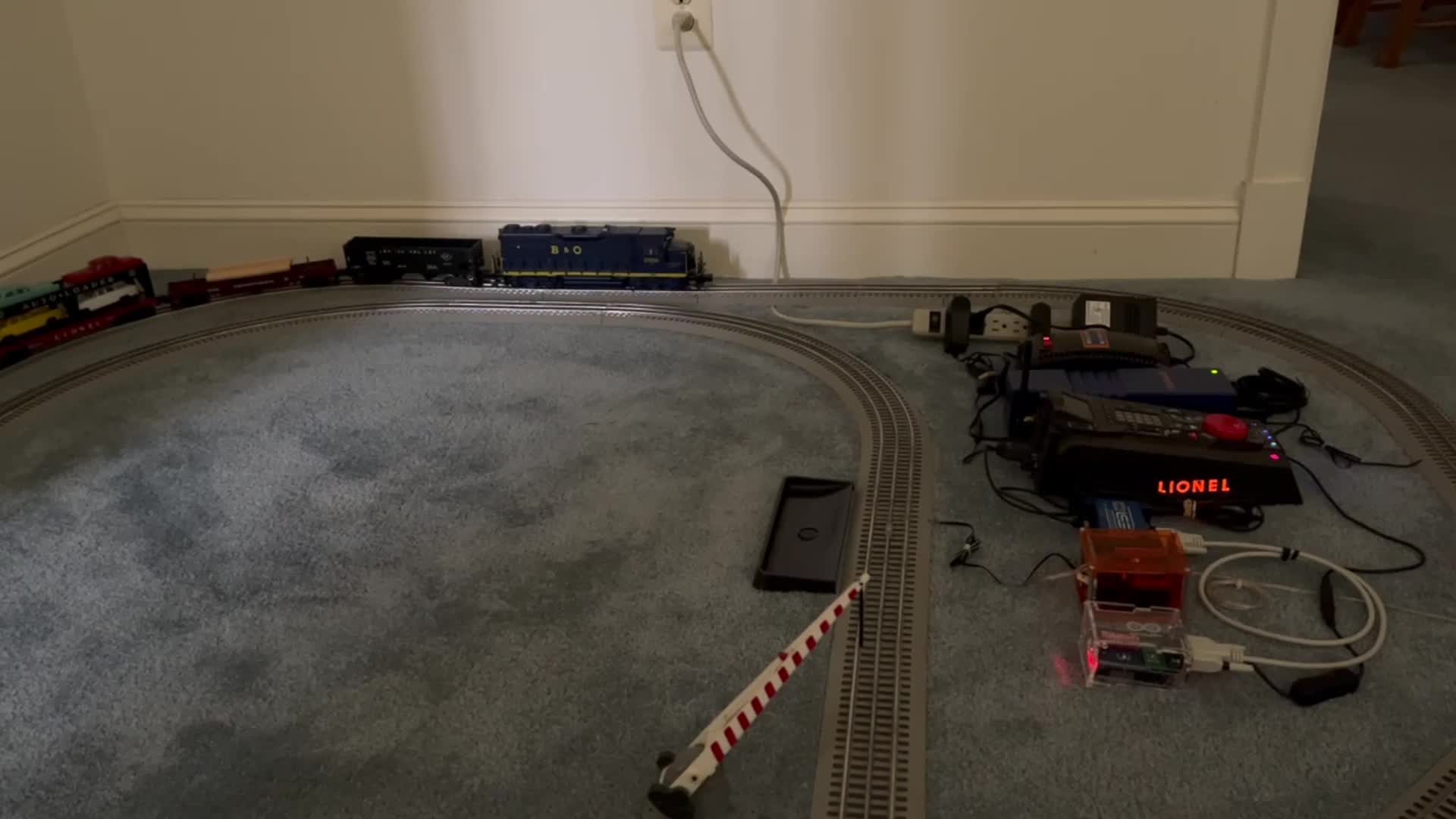
Introduction to the cast of characters for the "Model Train Stuff" demo videos. This includes several of my products used in conjunction with pieces of standard Lionel equipment.
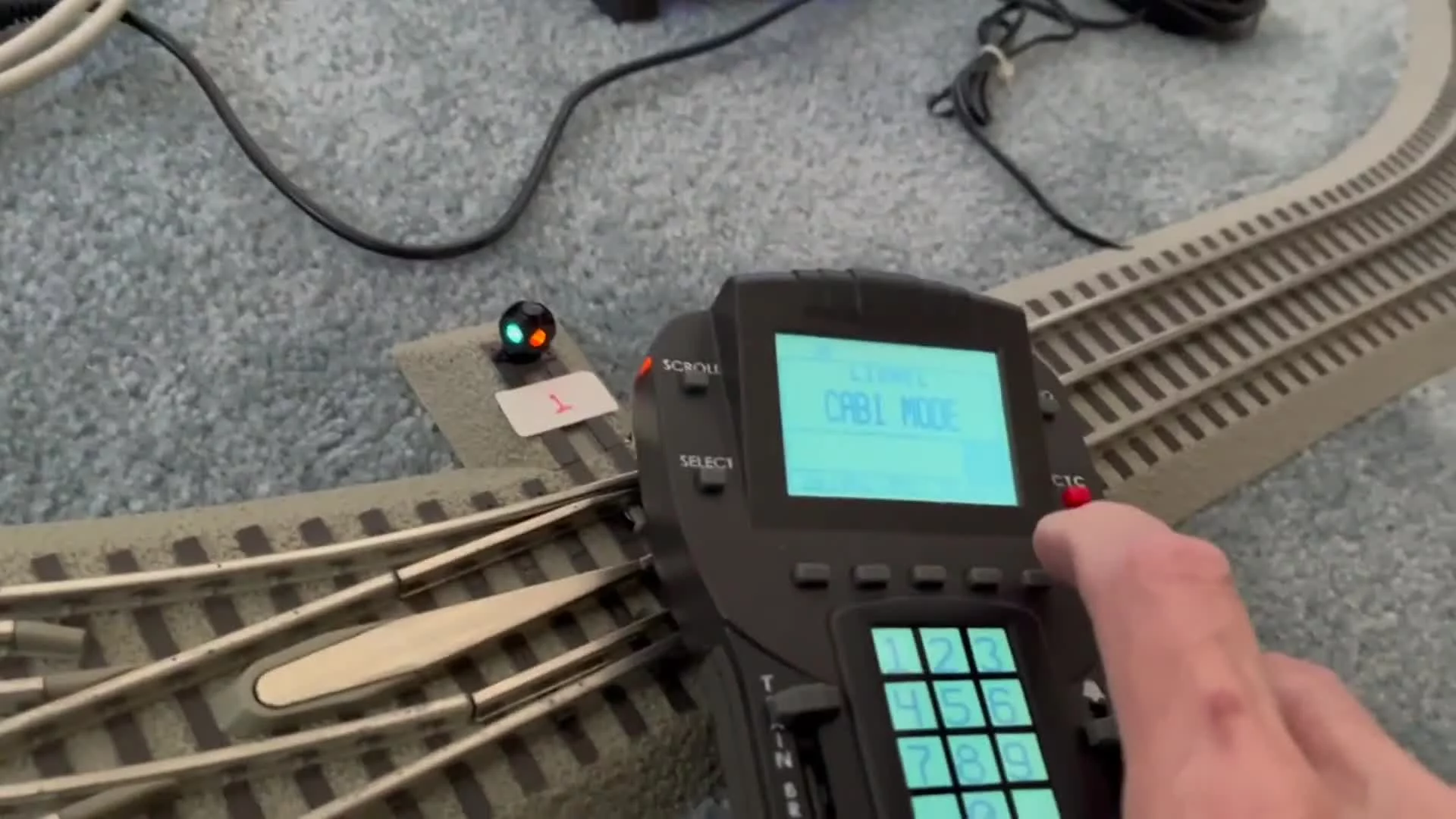
This Command Cube has an Arduino Uno (clone), a TES to receive the Lionel Legacy Commands, and a TAS Heavy connected to an Uncoupler Track.
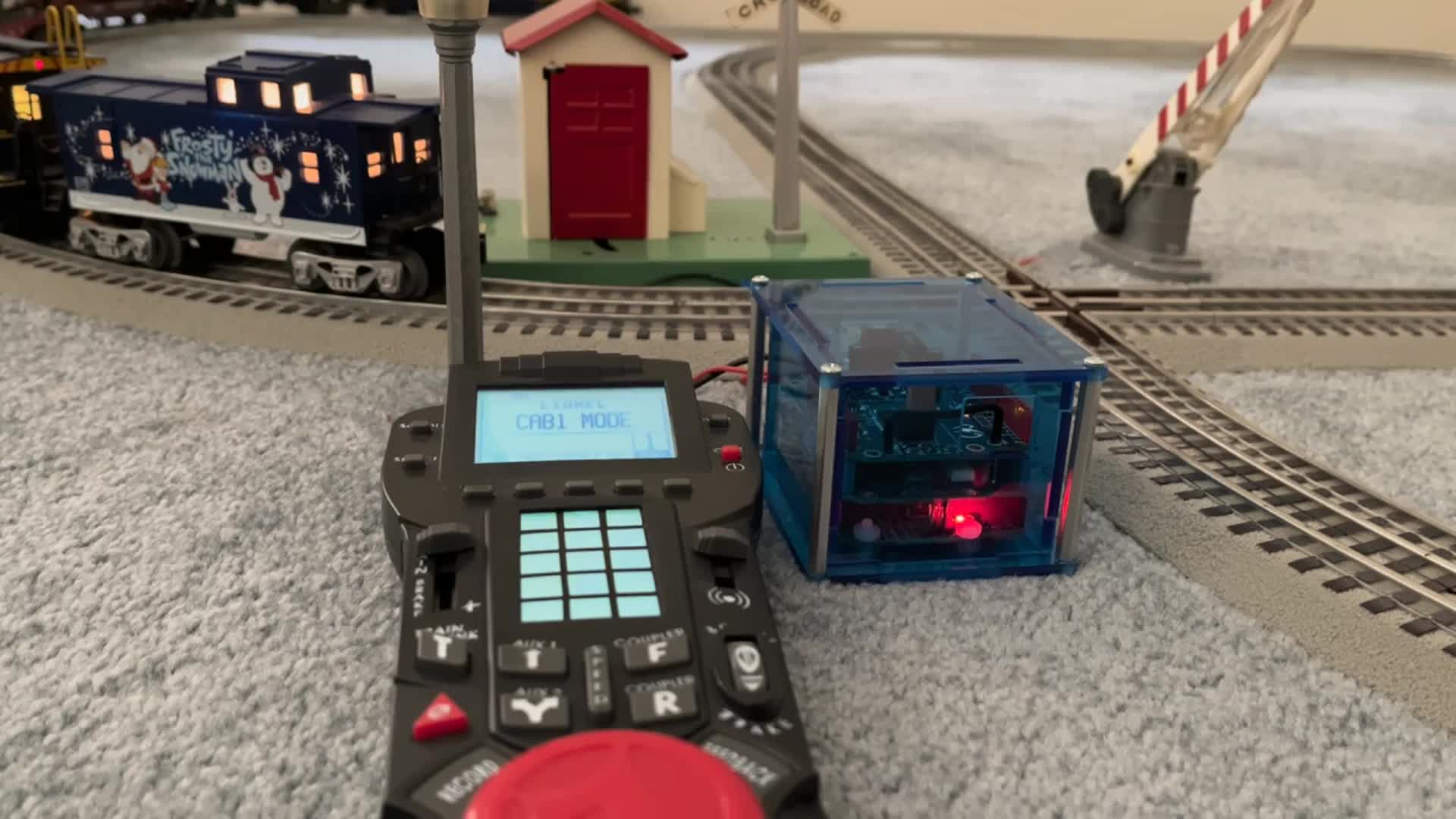
This Command Cube has an Arduino Uno (clone), a TES to receive the Lionel Legacy Commands, and a TAS Max to act on the received commands.
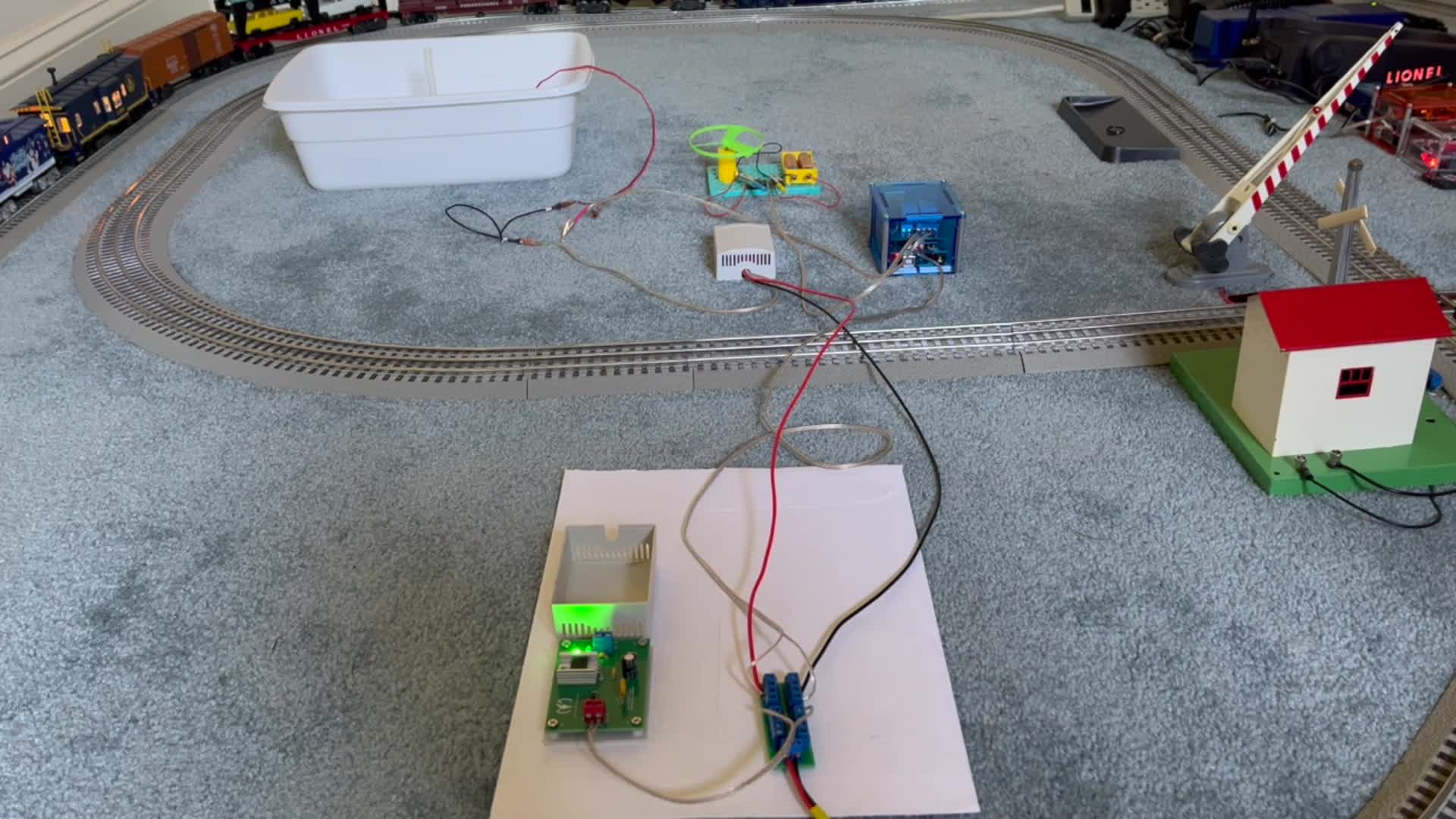
This model of the TAS uses relays to switch the outputs, so unlike any other TAS, it can control both AC and DC voltage. The relays are rated at 10 amps, 250 volts AC and 10 amps, 30 volts DC. The relays are tall, projecting above the point where another Arduino Uno Shield could be placed on top because the standard pins would be too short. It must always be the top Shield in a stack.
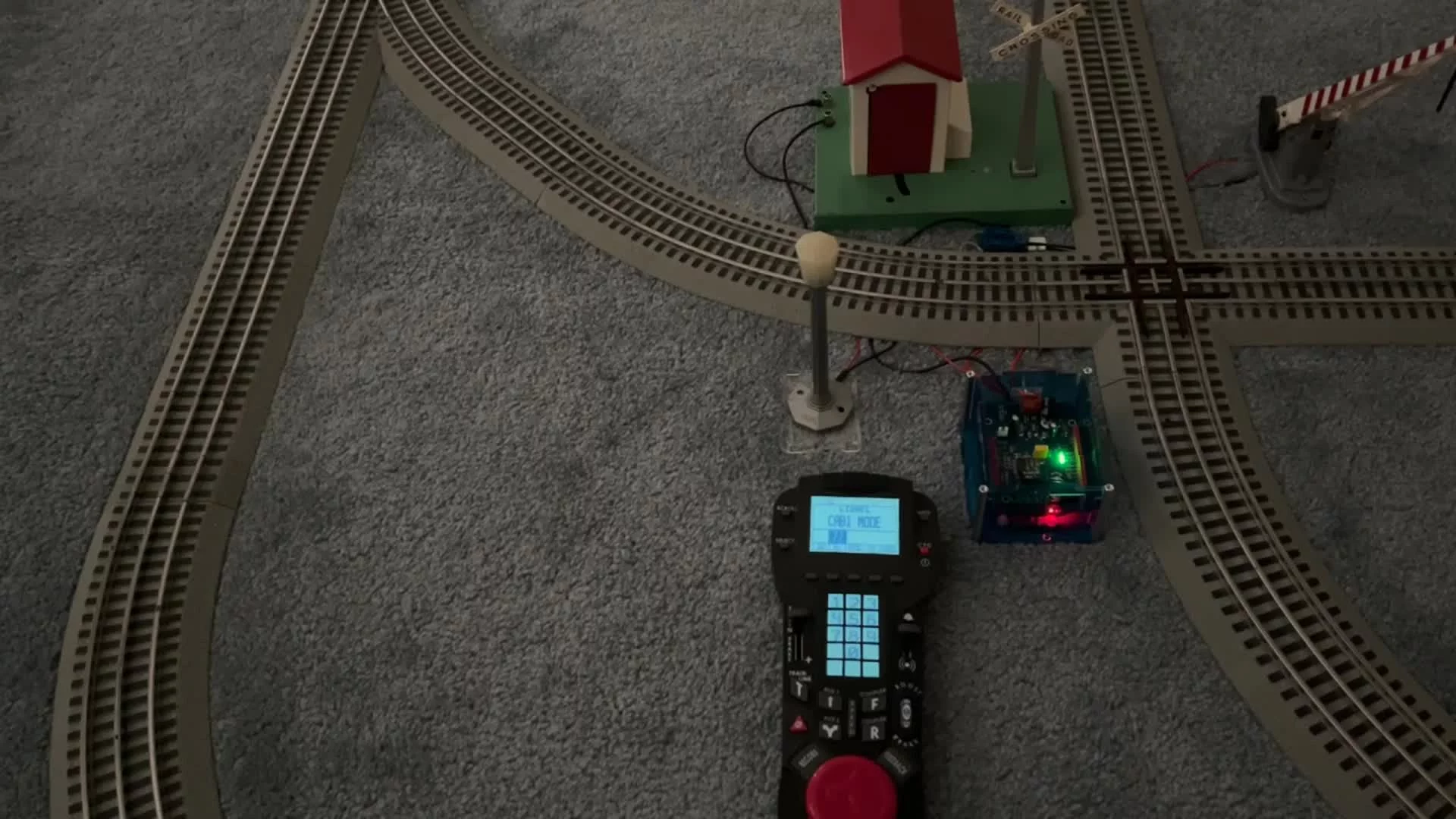
The TES has Magic Commands. These are commands that affect the TES itself.
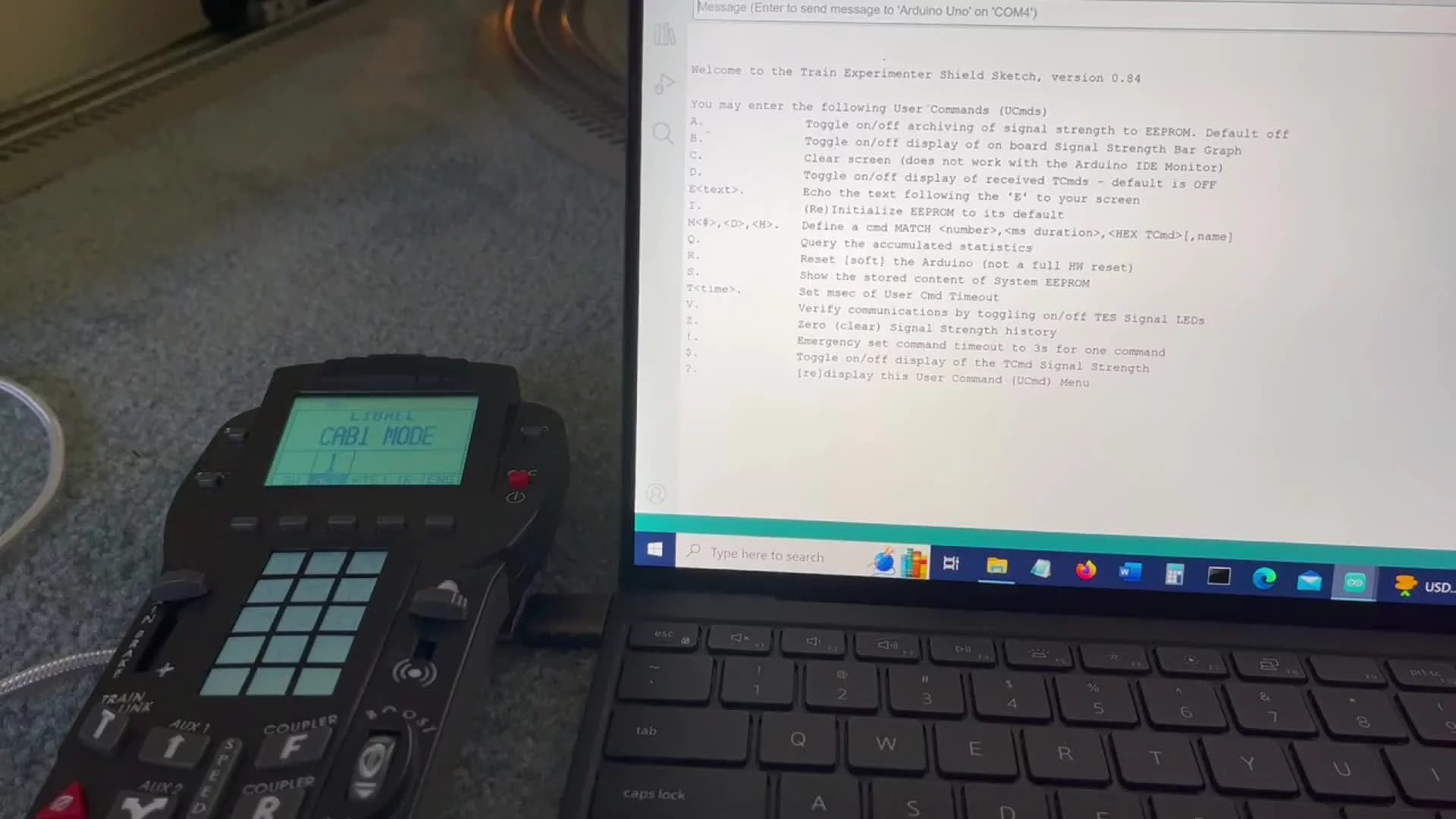
Command Matches are what allows you to actually do things with Lionel Legacy Commands.
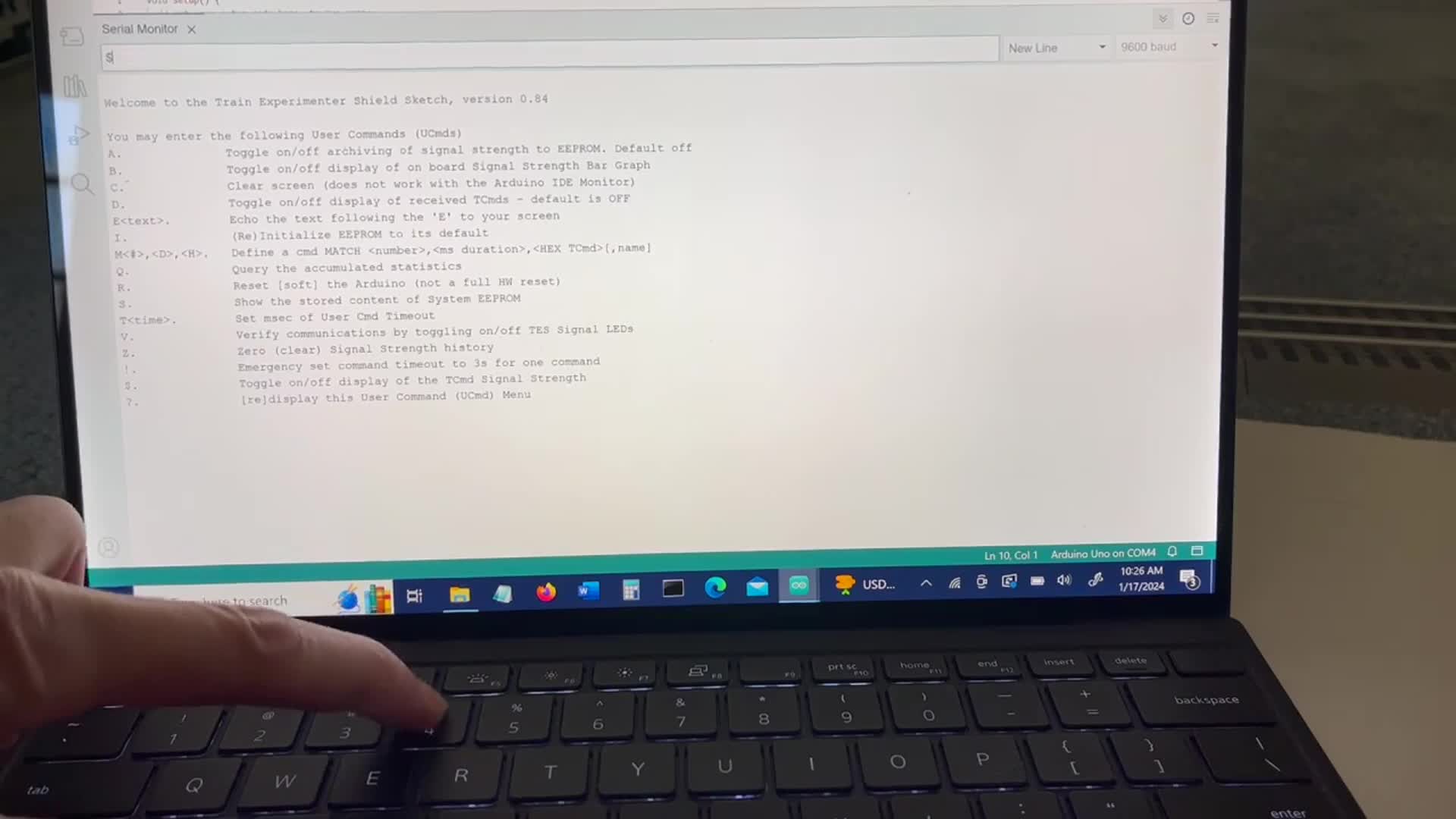
This video provides an overview of Lionel Legacy command reception by the TES
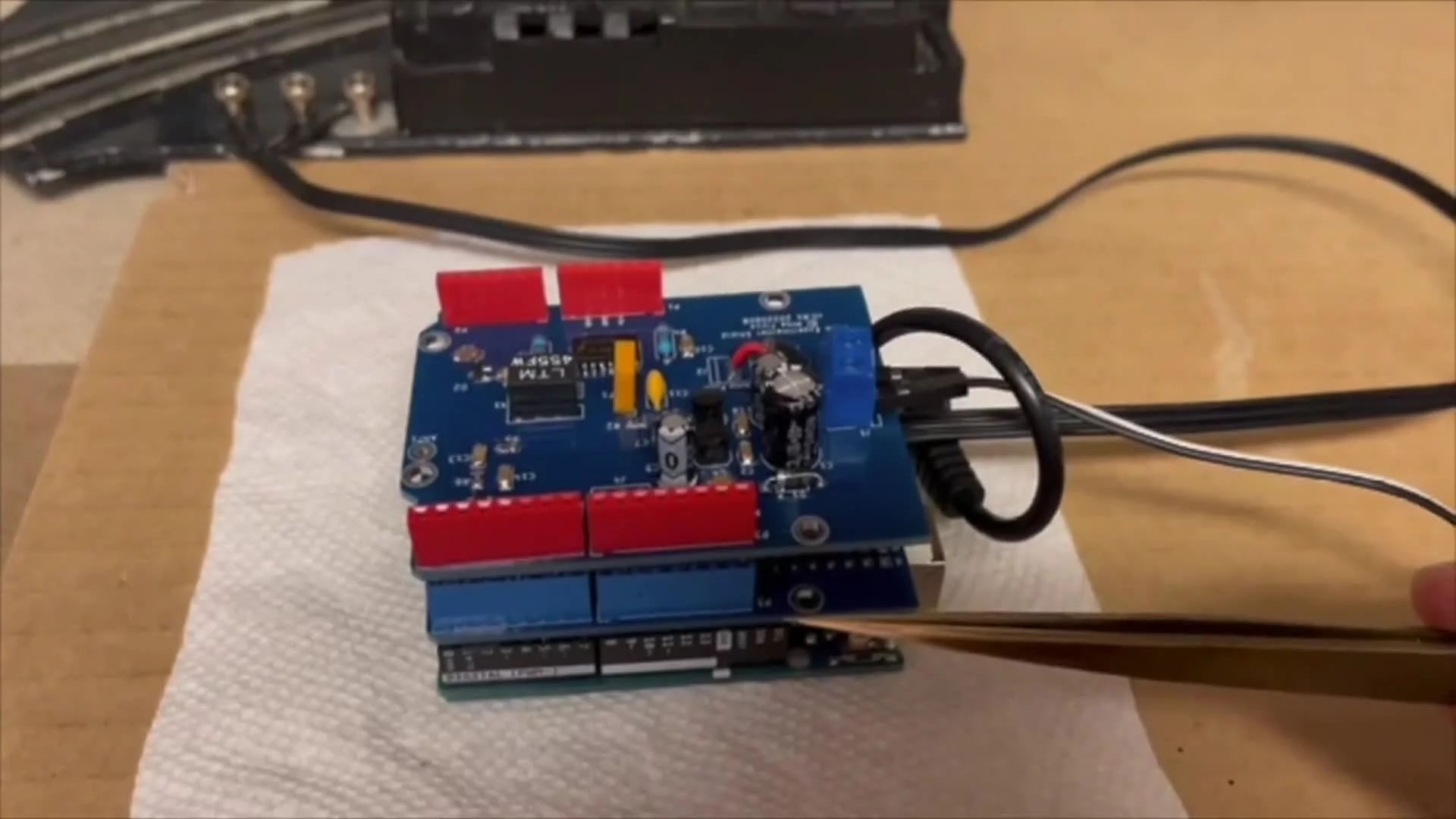
This demo is of an early version of the TES. It had no antenna, no signal strength LEDs, and the Arduino power was provided differently
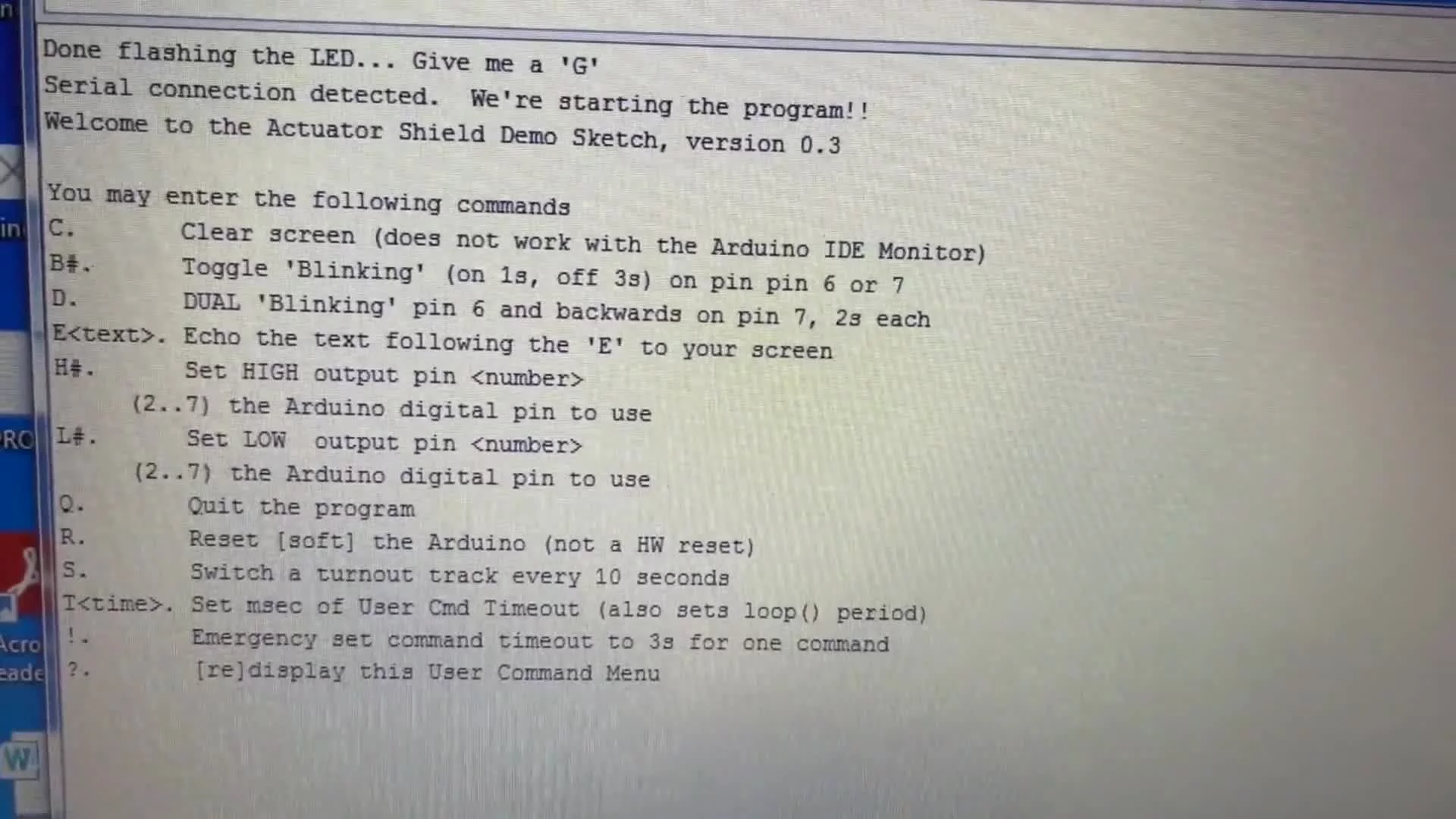
This video introduces the Arduino Sketch commands used to control blinking a lightbulb

Here is the ‘breadboard’ used to demonstrate blinking a lightbulb on and off with the TAS
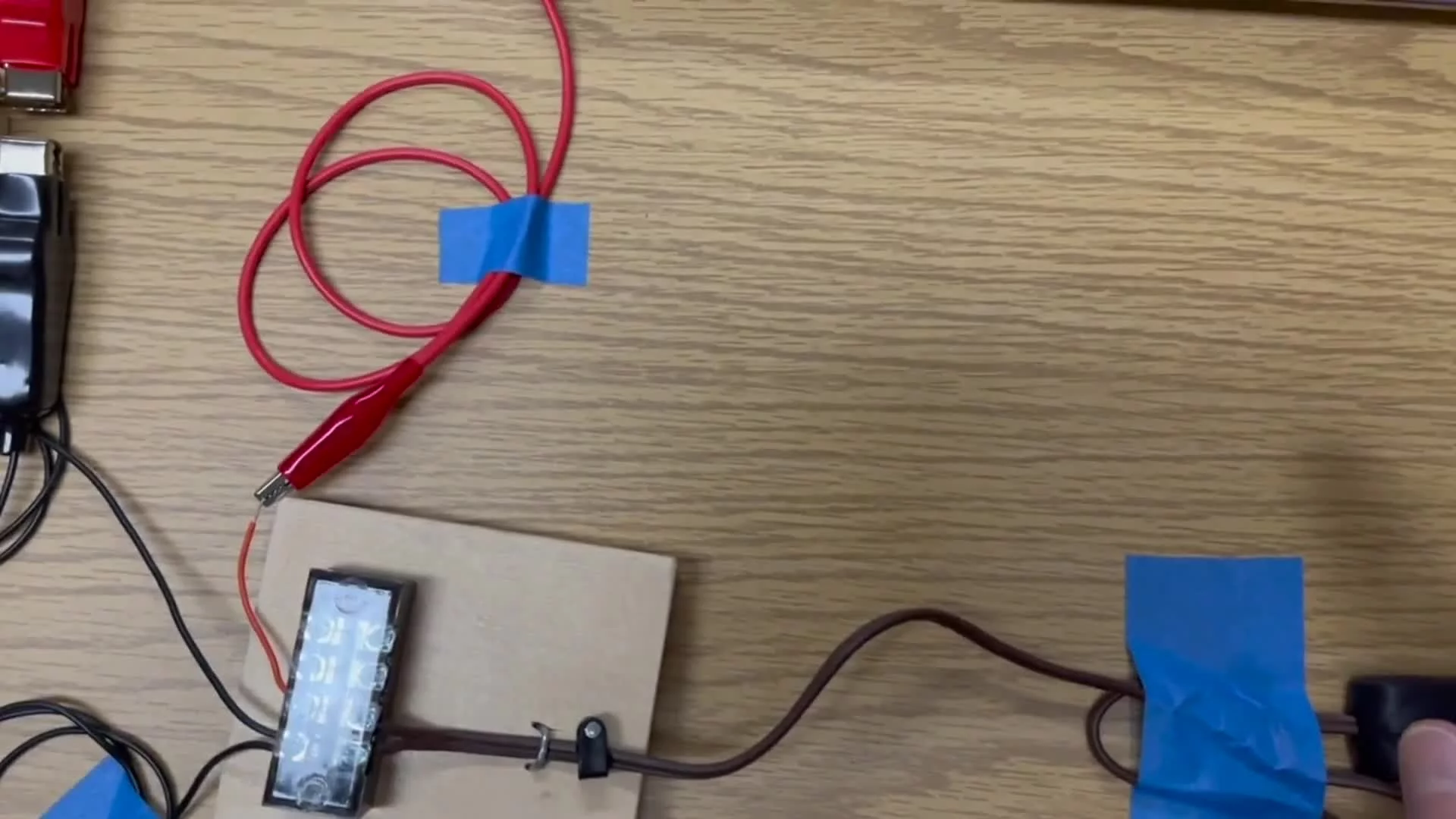
Using the Train Actuator Shield (TAS) to blink lightbulbs - no trains are involved.
Demo of the Infrared Experimenter Shield. It is the successor of my Controller 2020 and is now available. Although this can be used to control trains, you get the source code and can make it do whatever you want.